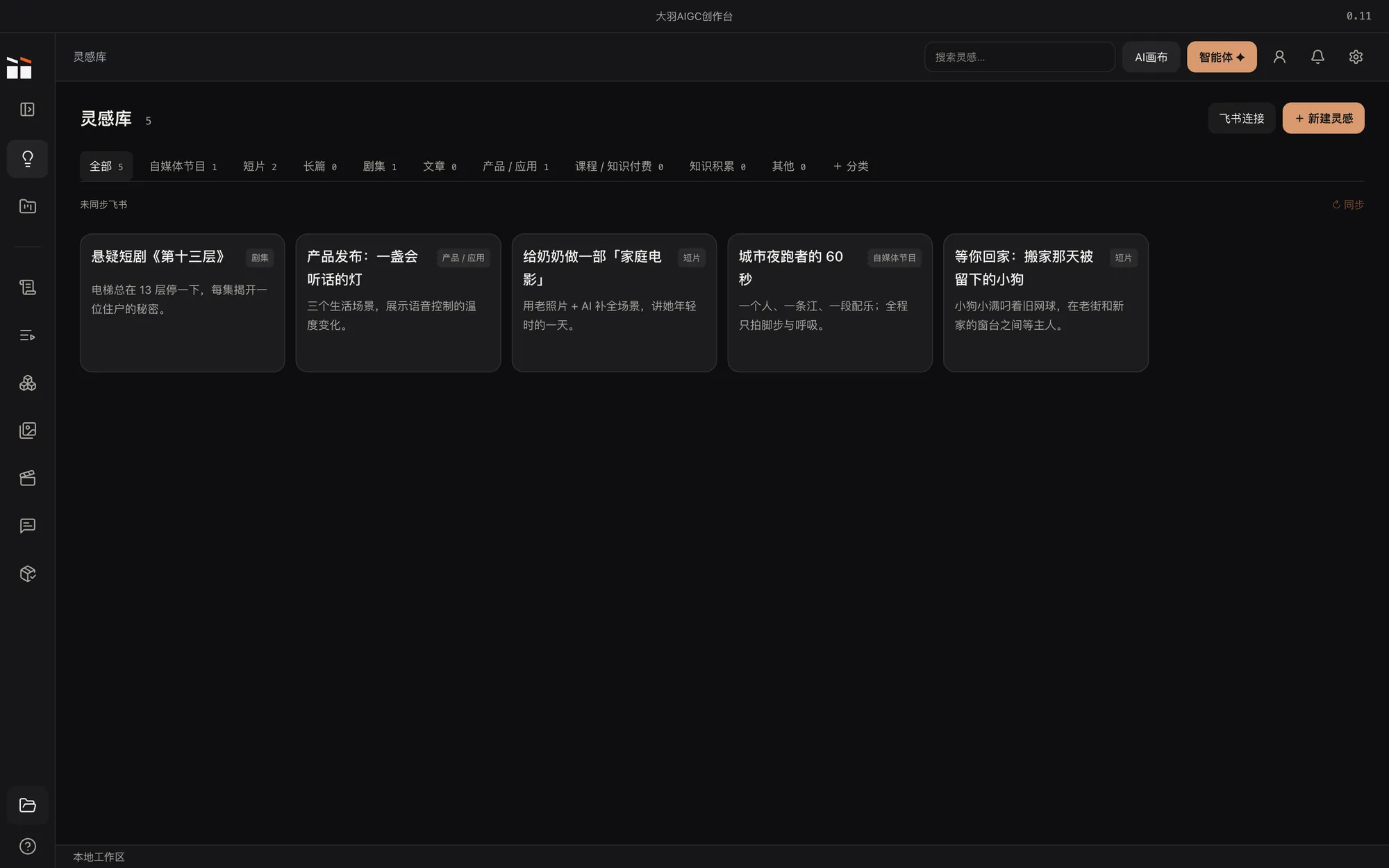
Catch ideas first.
Collect, tag and search ideas; sync with Feishu. Turn the right one straight into a project.
From the first idea to the final delivery folder.
Script, shots, generation, assets, review and delivery — in one workspace.
macOS · Apple silicon · Public beta
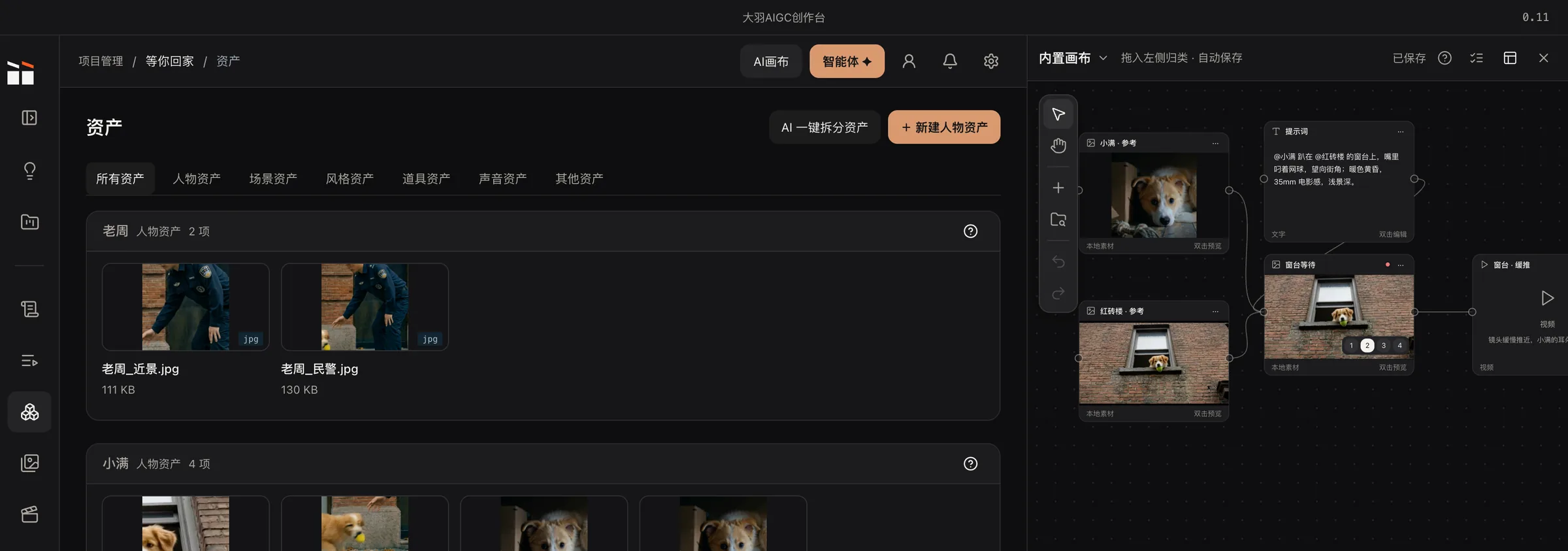 Assets · versions side by sideAI canvas · refs → prompt → 4 candidates
It’s downloading, renaming and hunting for files. The more you generate, the messier it gets.
image_0413.png, final_v2.png… and you still have to move them.
Which one is the approved dog? Which take does shot 7 use?
Prompts, references and settings are gone when you need them again.
Laid out in the order you actually work. Every stage has its own panel, and the canvas is always one click away.
Collect, tag and search ideas; sync with Feishu. Turn the right one straight into a project.
Right-click to add a scene, a line or a shot. Conflict and change live on each card; four acts at a glance.
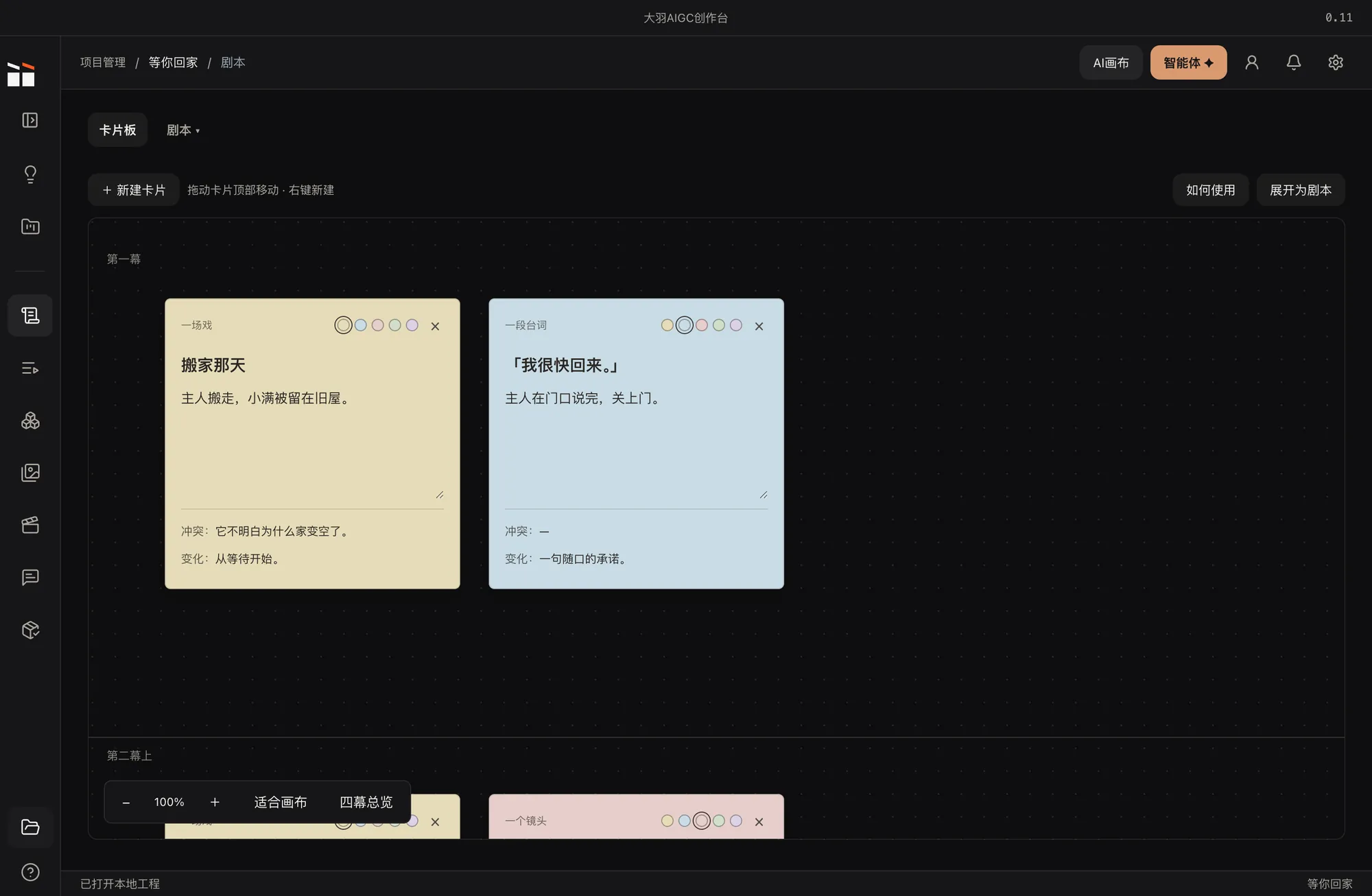
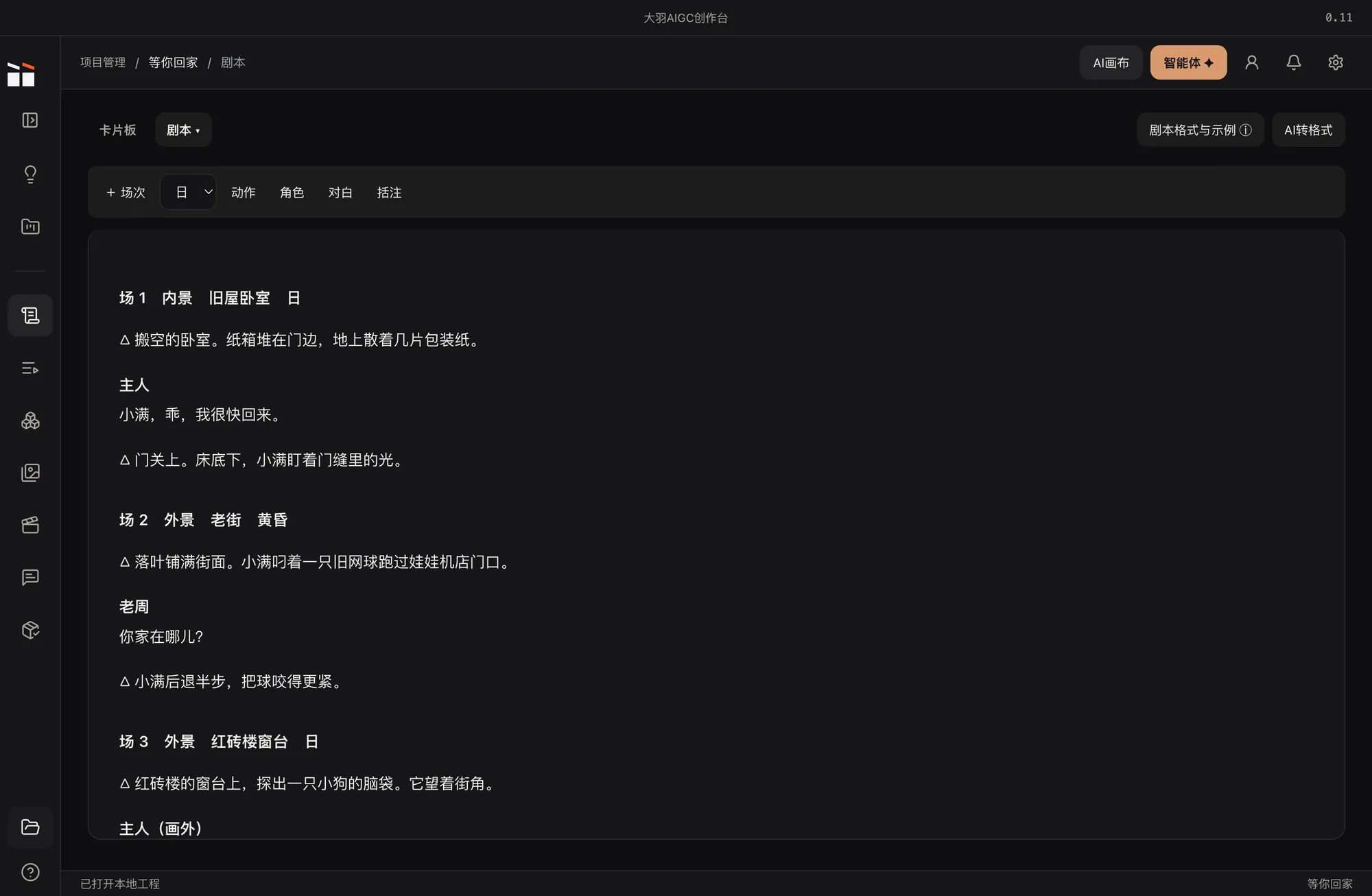
Switch freely between cards and script. AI turns rough notes into a properly formatted screenplay.
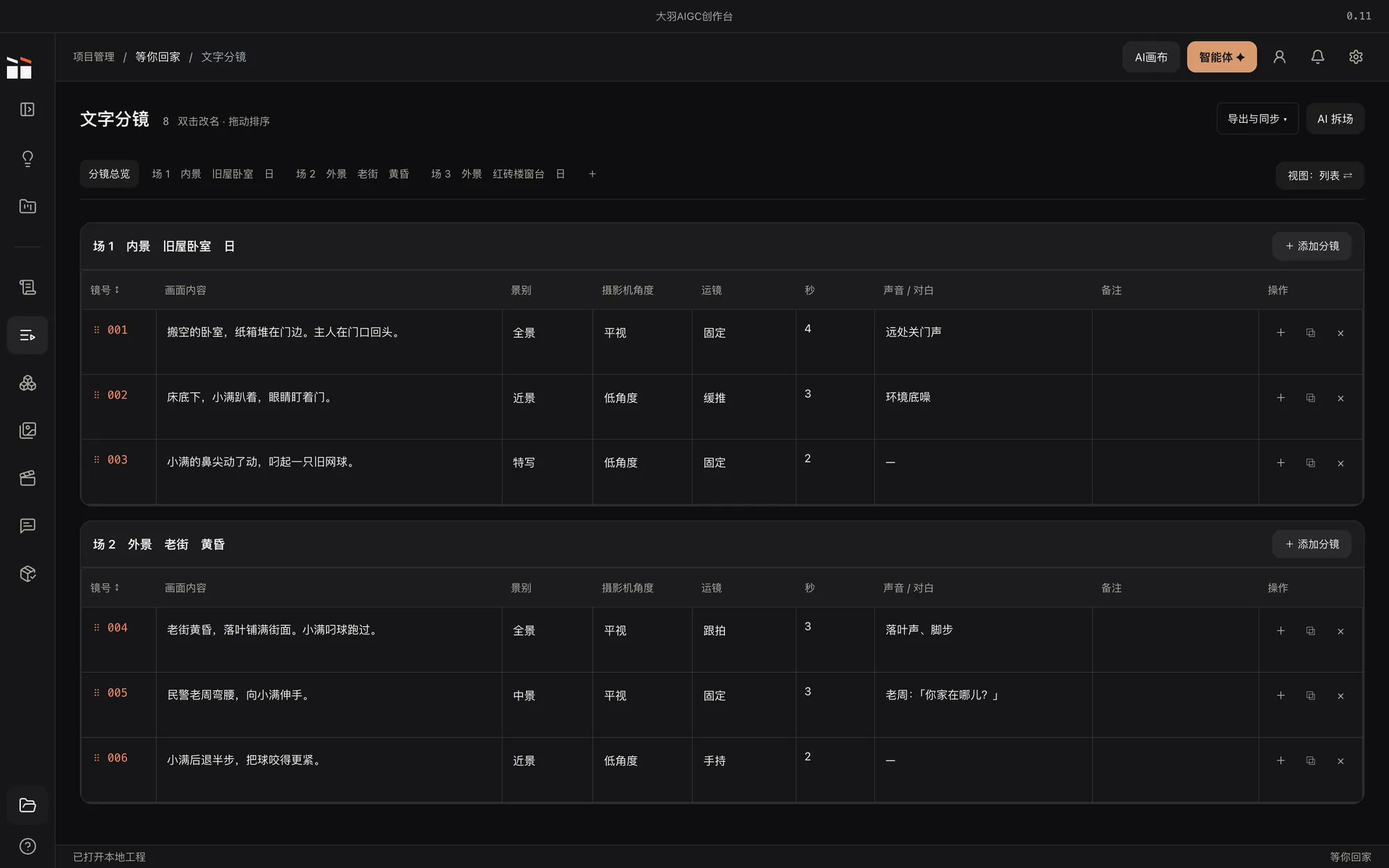
Break scenes into shots with framing, angle, movement, sound and length. Insert and reorder without losing files.
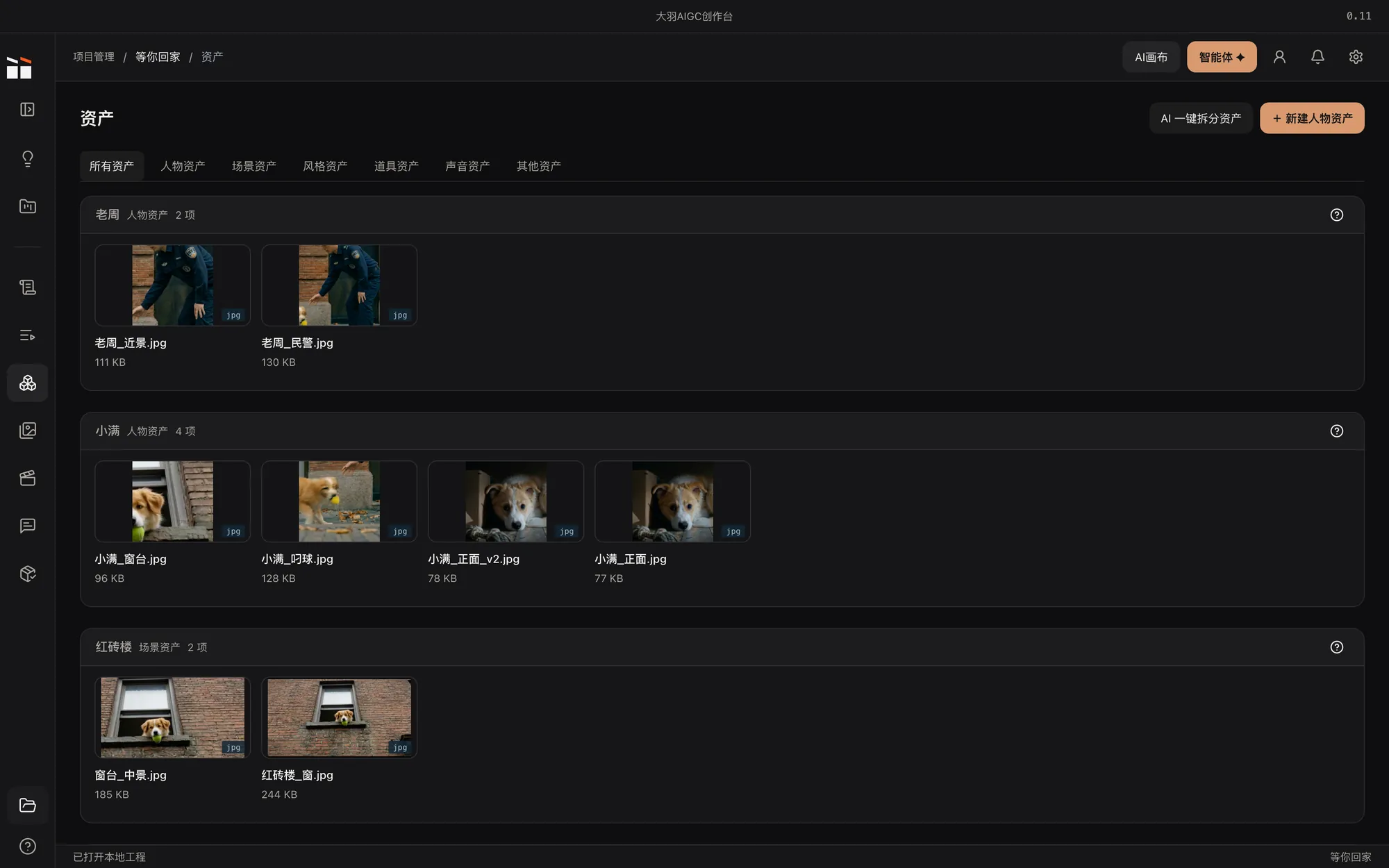
Keep multiple versions side by side; files are kept as originals and can be dragged out to other apps.
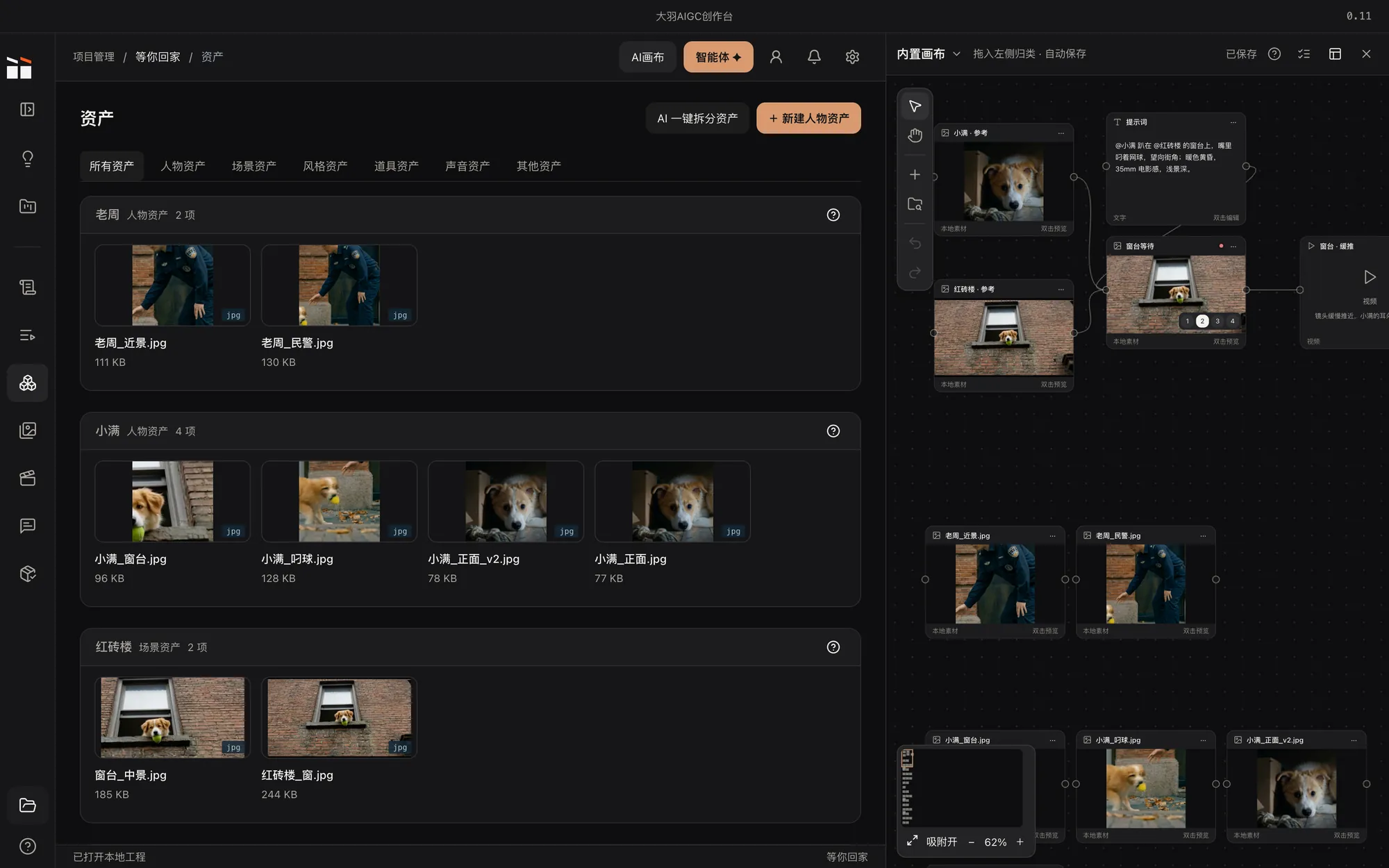
Reference links, prompt mentions, models and settings, several candidates at once. Dock it beside you or pop it out.
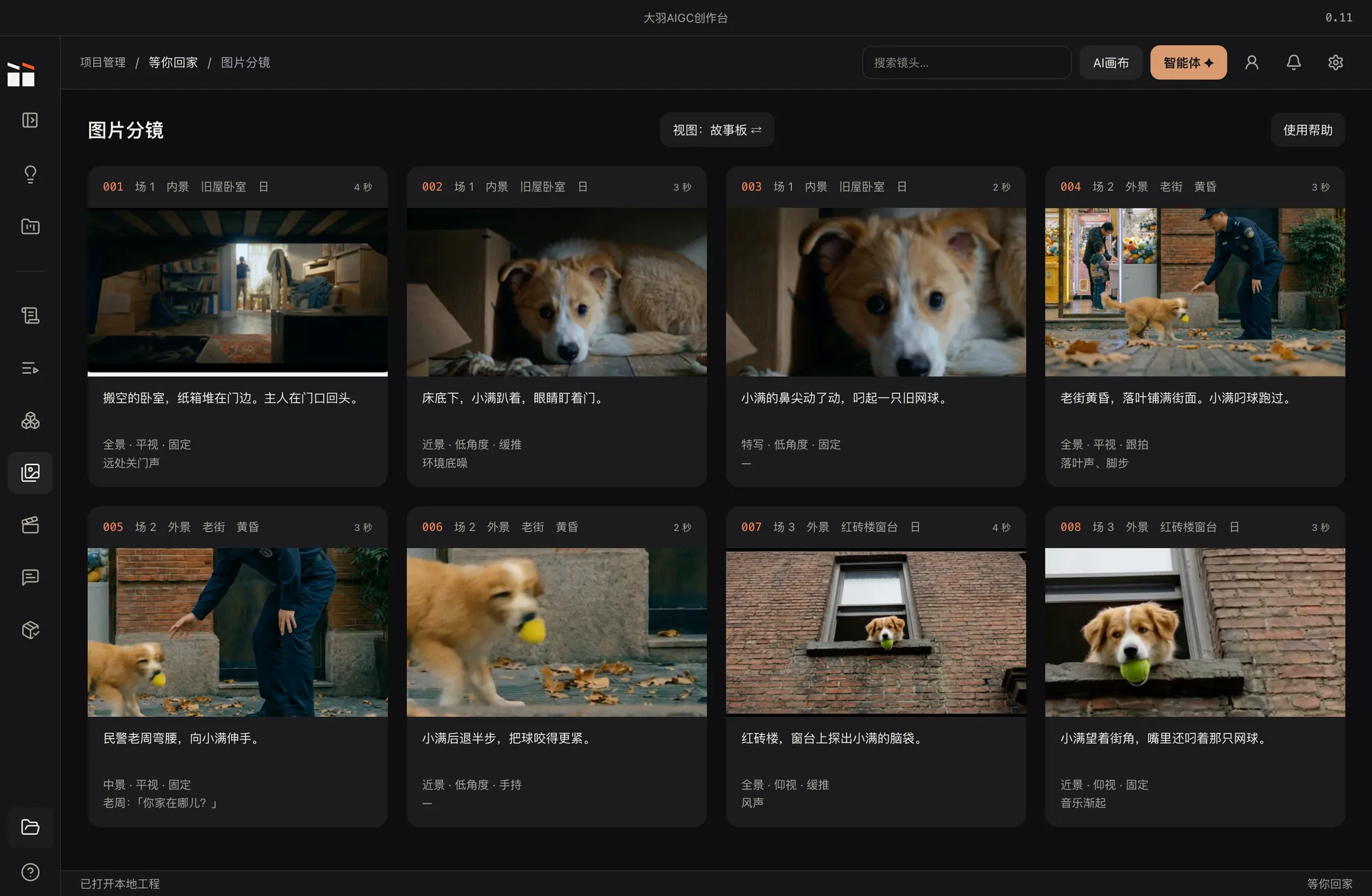
The first frame of every shot forms a continuous storyboard; videos are filed by shot with all takes kept.
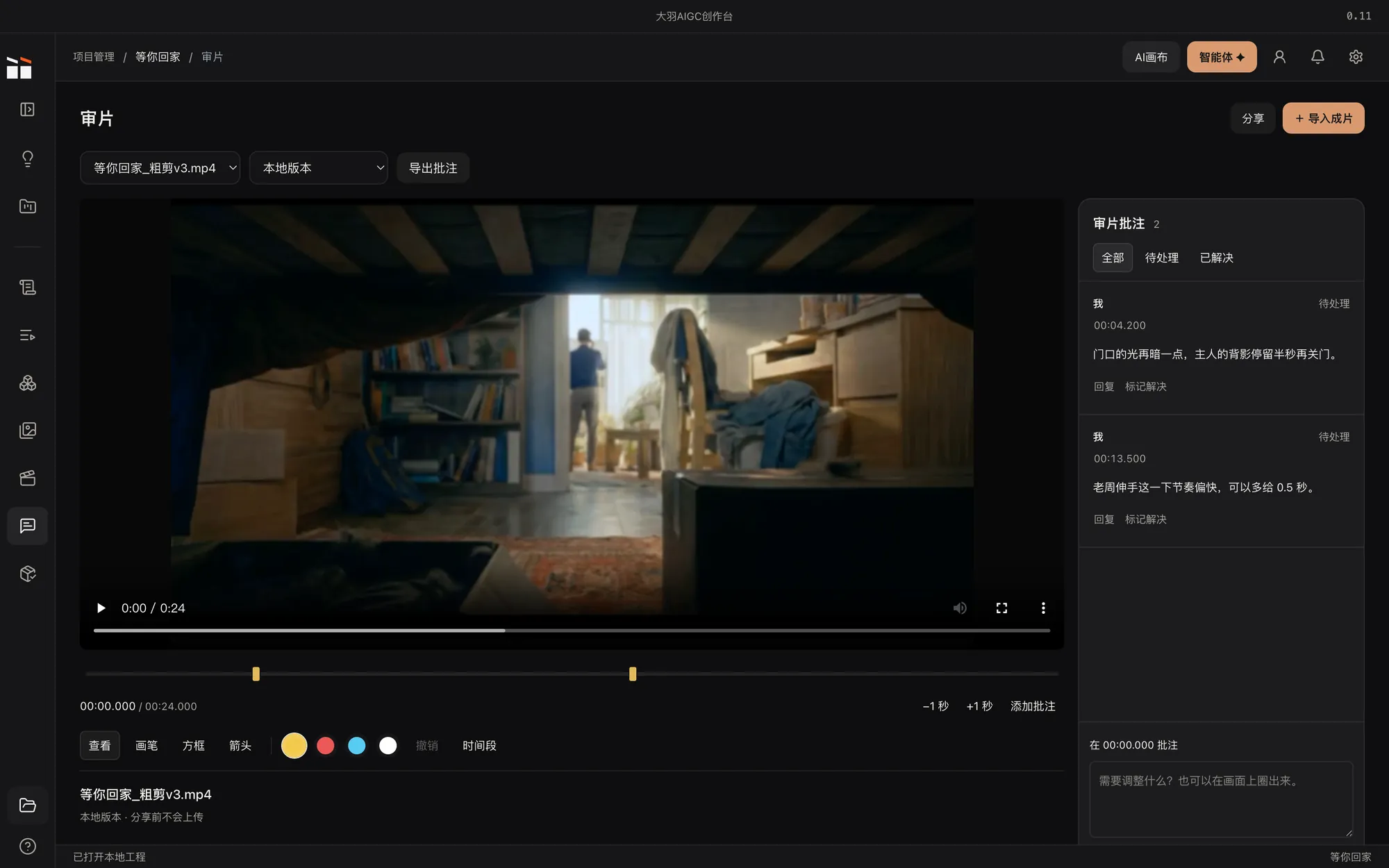
Comment at exact timestamps and draw on the picture. Share a link to collect notes when you’re ready.
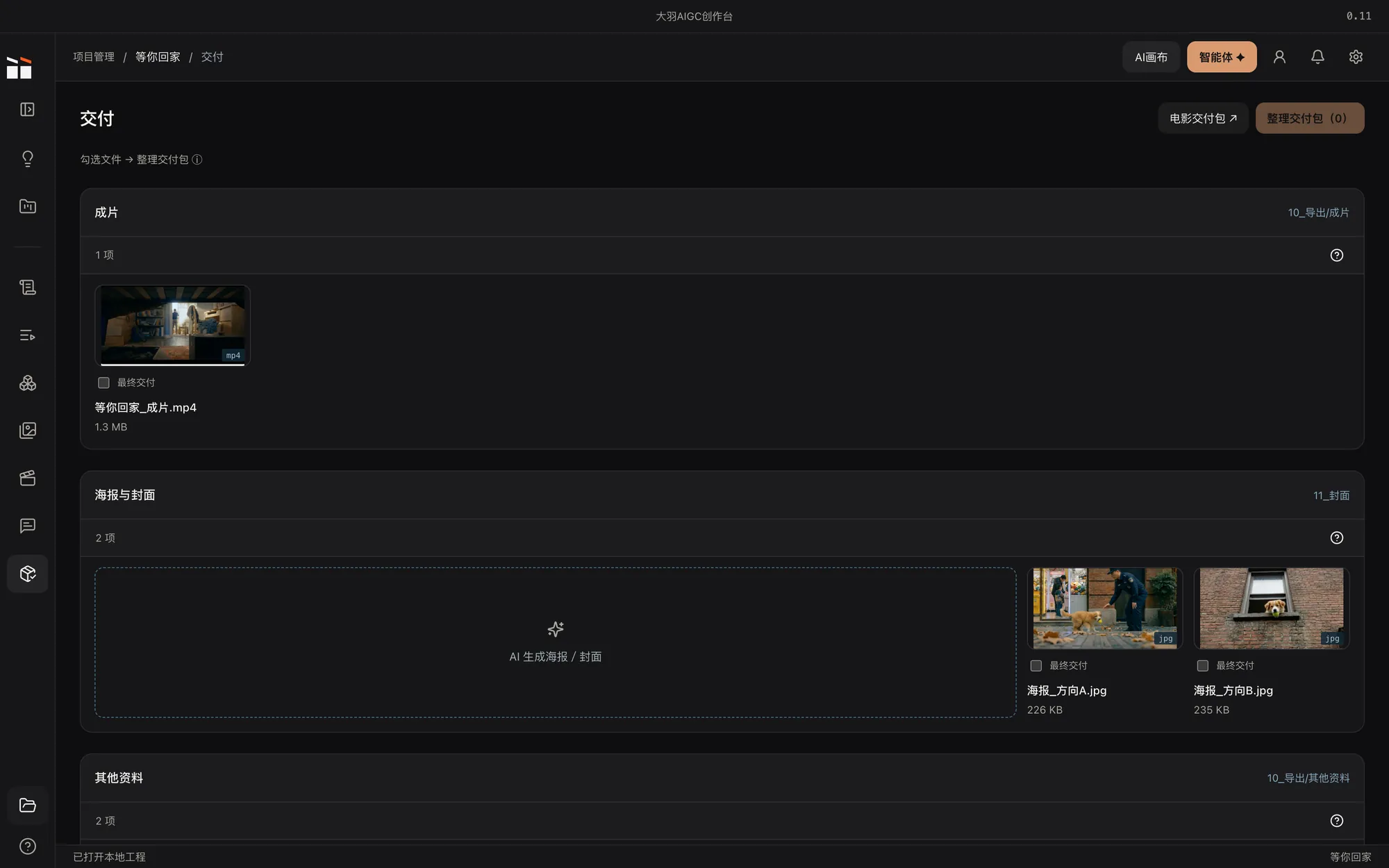
Final cut, posters and covers, subtitles — all filed inside your project folder.
No more downloading to a temp folder and hunting for it later. Drag a result from the canvas straight into the right asset or shot.

 Drag me
 xiaoman_front.jpg
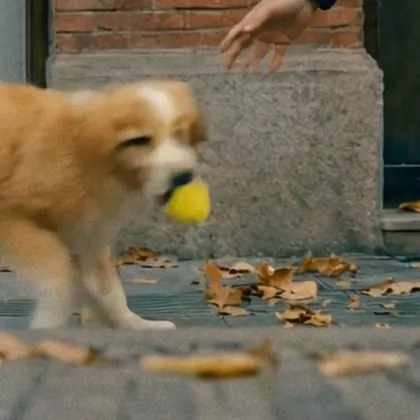 xiaoman_ball.jpg
 xiaoman_ledge.jpg
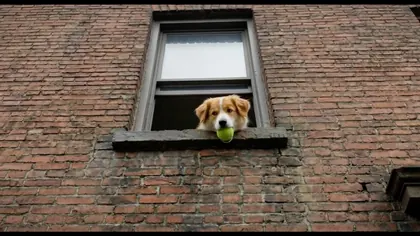
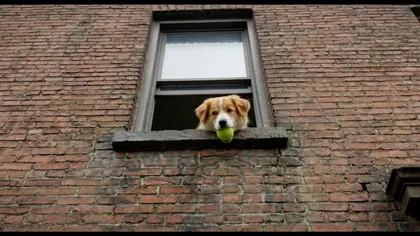 redbrick_window.jpg
 ledge_medium.jpg
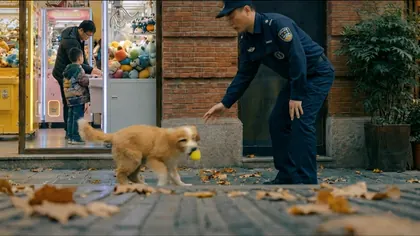 shot007_A.jpg
Interactive web demo · images are demo-project assets, not model output
Switch the same scene between three common screenplay styles. Leave the formatting to the tool.
The HK/TW style is a common convention, not an official standard; follow your recipient’s requirements. Interactive web demo · layout rules match the app
It reads your project, breaks down shots, creates assets, imports files and drives the canvas. It previews first; you confirm; it acts.
Project edits and local file access run only after confirmation, within the permission mode you choose.
Seedance workflow, screenwriting skills and a poster-design skill — or import your own.
Hand it to the agent from Delivery: confirm title, text and style, get four directions with the full process on the canvas.
Interactive web demo · conversation is illustrative; available models depend on your account
Besides the built-in canvas, switch to Tapnow (CN), Tapnow (Global), LibTV, Shotlab, Updream, Xiaoyunque and Jimeng. Downloads come back to Studio, ready to file.
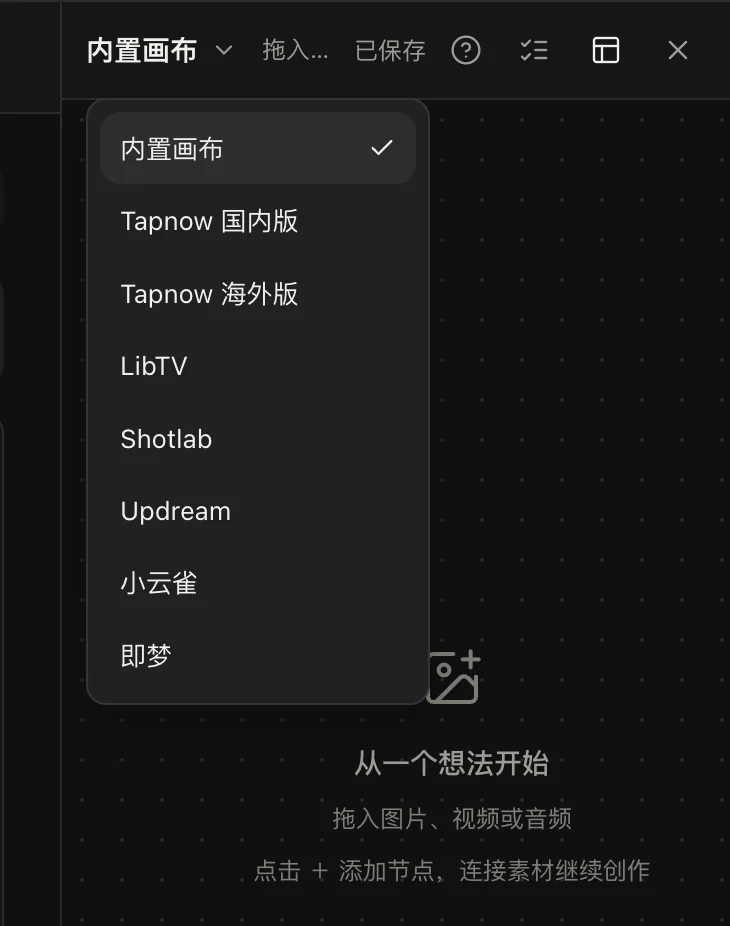
On two screens: canvas on one, project panels on the other.
Name by asset or scene / shot / version — or turn it off.
Drag files or whole groups into your editor and other apps.
Link your idea library to Feishu and sync.
Nodes keep prompts, references, model and settings.
Stage folders are created for you; files stay on your Mac.
Image / video generation and the agent use credits, confirmed before each run.
Projects live on your Mac; AI requests need a connection and an available service.
Models are configured centrally; what you see depends on your account.
Three steps: follow our WeChat account, add Dayu on WeChat, then get the download link in the beta group.
Scan the code on the right for updates and tutorials
Scan the code on the left; once accepted you’ll be invited to the beta group
Currently available for macOS (Apple silicon)

UI shown is illustrative